

cross-posted from: https://lemdro.id/post/46516699
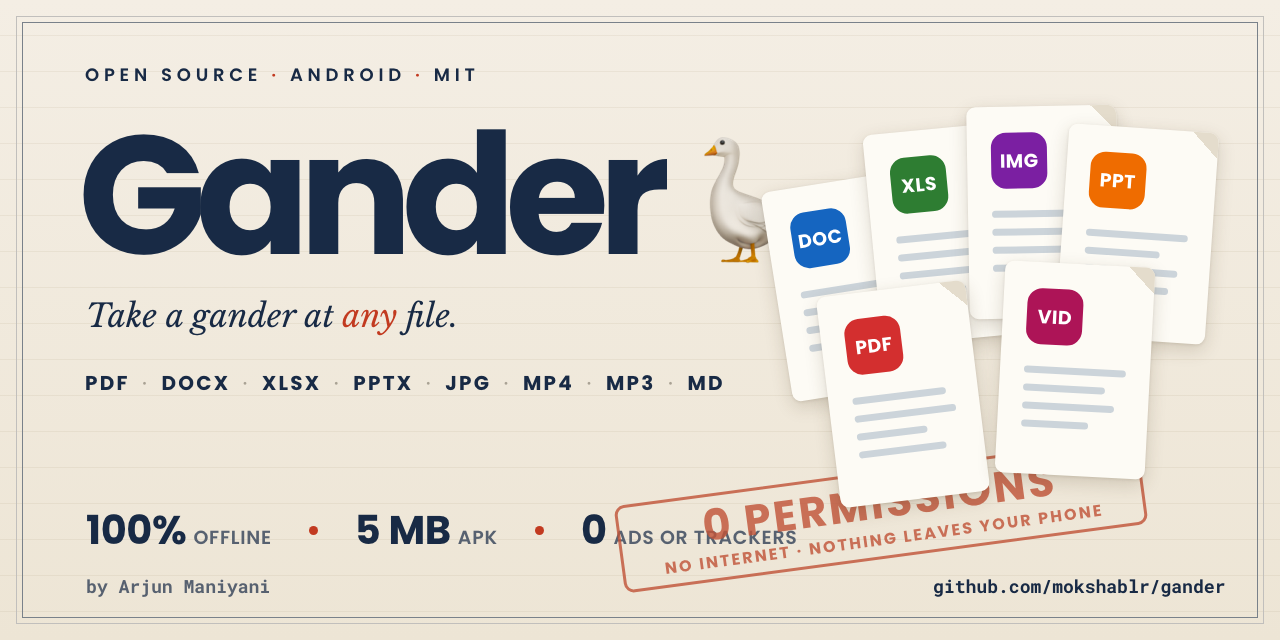
Opens PDF, Word, Excel, PowerPoint, photos, video, audio, Markdown and code, all rendered on the device. About 5 MB, one build for every processor, Android 8.0 and up.
Search works in every document type. PDF text selects, copies and reads aloud to a screen reader, and there is a night mode that turns the paper black and leaves most photographs alone.
Its permissions page is empty and the manifest has no INTERNET so it can’t open a network connection. Files reach it through the system picker, an Open-with intent, or a folder you grant once. The About screen asks Android what the app requests and shows you the result.
Not an editor. Legacy .ppt does not open. Complex PowerPoint renders approximately.
I will be in the comments today, so ask away, including why it isn’t on F-Droid yet.
Looks cool. Great demand for this.
Can you set the git so that obtainium can install it?
Is there an edit feature which will then open your app of choice for editing the file type?
Obtainium already works with the GitHub releases, and the README has a one-tap link for it.
There’s no edit feature, but the viewer’s Share button hands the file to any app that accepts it so that should work for what you said.
Brilliant, thanks - my obtainium attempts had “.git” on the end. Looks great, the share feature is exactly the use case I was looking. Only looking for it baked in because android’s share feature is fairly poor.
i don’t remember seeing anything similar to this, i want to check this out when it comes to fdroid. lemmy needs a reminders feature.
Could send yourself a scheduled email or set a calendar event :)
Thanks! The F-Droid request is here if you want to follow it: https://gitlab.com/fdroid/rfp/-/work_items/4138
Until then, Obtainium can install it from the GitHub releases and keep it updated.
Finally I have something to install when I clean up phones used by boomers.
I have no idea why boomers love to install 10 different ad-ridden PDF readers, all at the same time. One of them used 5gb of internet in 30 days. Why would they replace the default one with a reader that shows a mandatory 30 seconds ad before loading the file
Haha, thanks! If you set it up on their phones setting it as default should open most files that they want to opened without having to install another app 😂
lmaoo
Any vibe-coded parts?
A lot of it was written with AI, yes, under my direction, and every push runs the test suite in CI.
The no-permissions part doesn’t rest on trusting the code, though. The build fails if a permission is added, the About screen shows what Android says the app requests, and it’s MIT, so the code is there to read.
If anything in it looks wrong, open an issue and I’ll look into it: https://github.com/mokshablr/gander/issues
You’re a saint. Thank you for creating this.
Thank you, that means a lot!
Would you consider adding it to f-droid?
Yes! I opened a request with F-Droid in July and it’s waiting for a reviewer: https://gitlab.com/fdroid/rfp/-/work_items/4138
Until then, the GitHub releases work with Obtainium.
Thank you!
Obtainium
TIL
It’s a good one. It installs apps straight from their GitHub releases and keeps them updated. Gander’s README has a one-tap link to add it.
this whole time i’ve been doing the hard way – manually sideloading. :p
well no more of that now, glad i got to share 😄
it’s sort of too bad that the side loading i’ve done so far wasn’t difficult; because if it had been difficult, i would have gone out looking for something like obtainium. lol
Well, it opened a pptx with embedded videos without a problem. That’s nice!
What Gander name means?
edit: Also, I’m not informed in the very least what security measures may apply here, I mean against random files users may open. It would not hurt to consult with an expert.
Glad the pptx worked!
The name is from “take a gander” which is like slang for “take a look”. A gander is also a male goose hence the icon. 😛
Gander treats every file as untrusted. Documents render in a WebView that runs only Gander’s own scripts and loads nothing except Gander’s own code and the file you opened. With no internet permission, a file that got past that still couldn’t reach the network.
Nobody outside has audited it yet, and you’re right that it wouldn’t hurt.
SECURITY.mdlists what a file should never be able to do, and how to report one privately: https://github.com/mokshablr/gander/blob/main/SECURITY.md


